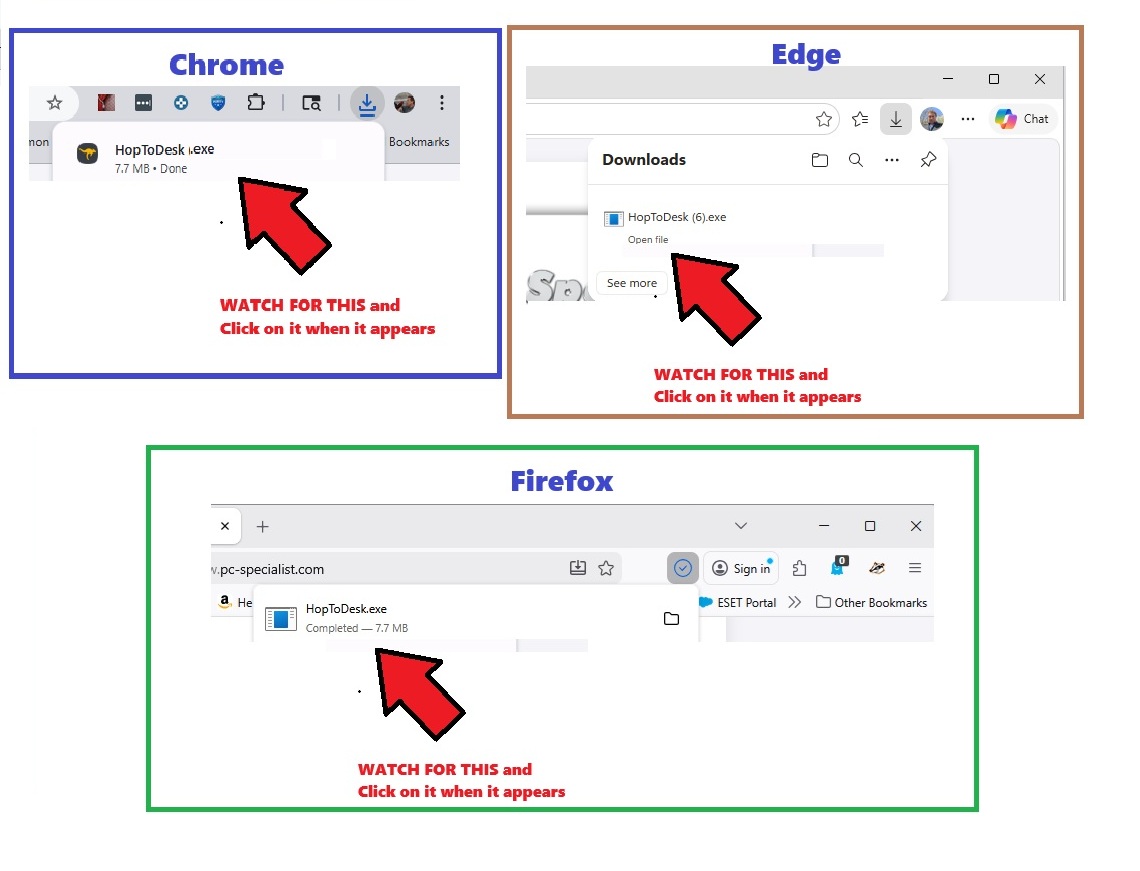
Your support file is downloading...
If the download didn't start automatically, click here to download manually.
1. Run the file: Open hoptodesk.exe from your downloads bar or folder.
2. Provide Access: Once the window opens, you will see an ID and a Password.
3. Connect: Please read those numbers to me so I can begin your support session.